
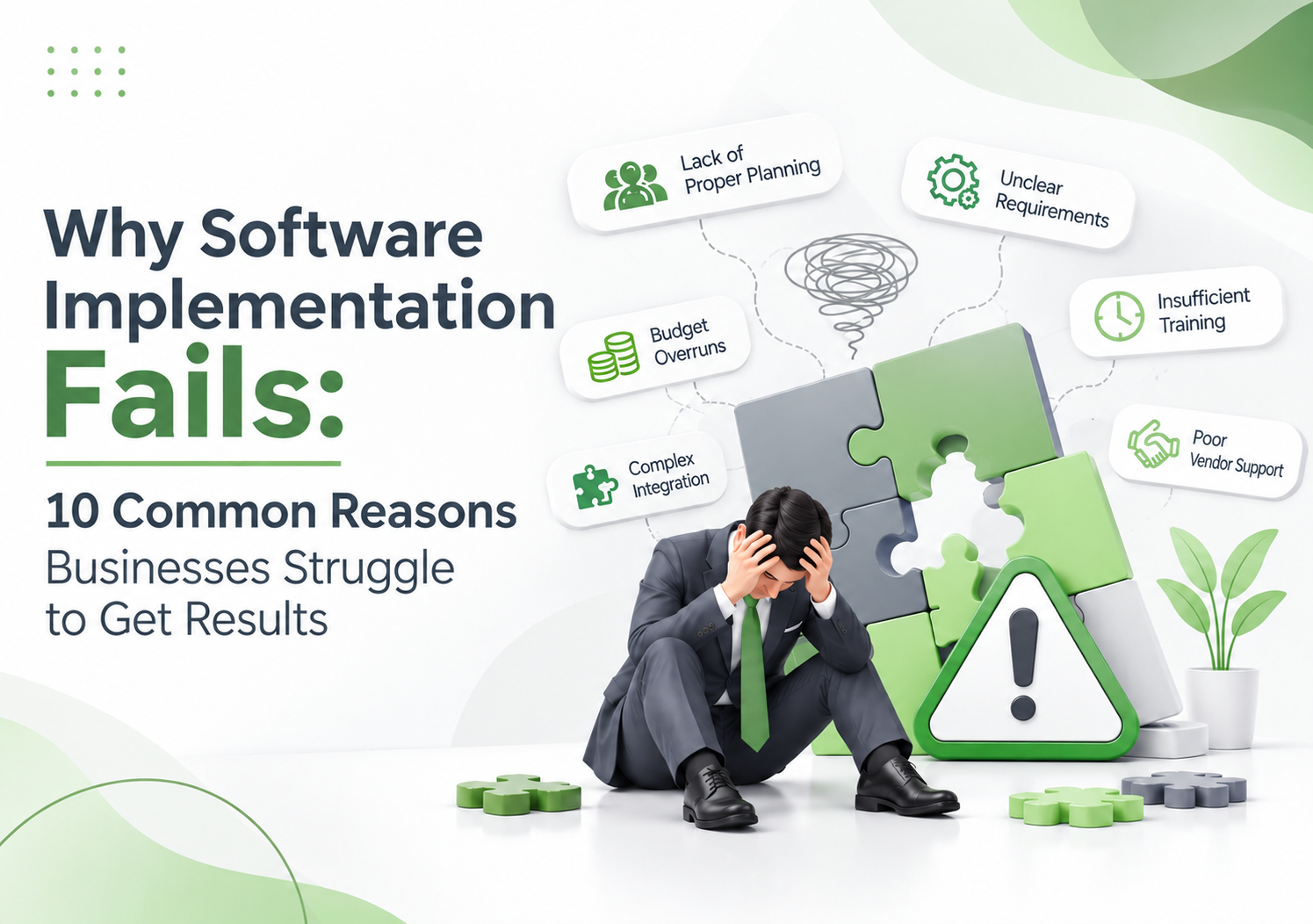
Imagine investing months in selecting business software, approving the budget, attending countless meetings, and preparing your team for a major technological upgrade. The software finally goes live. Yet, a few months later, employees are still maintaining Excel sheets, managers are requesting manual reports, and departments are finding workarounds to avoid using the new system.
Sound familiar?
This is one of the most frustrating realities of digital transformation. Businesses invest in software expecting better efficiency, improved visibility, accurate reporting, and streamlined operations. However, the results often fall short of expectations.
So, why does software implementation fail even when businesses invest in the right technology?
The answer is rarely just a technical issue. Software implementation involves people, processes, data, communication, planning, and ongoing support. When these elements are not aligned, even the most sophisticated software can become an expensive operational burden.
At Softronic Systems (Pvt.) Ltd., our experience in developing and implementing business software across HR and payroll, hospital management, manufacturing, trading, and advertising operations has reinforced an important lesson: successful software implementation starts with understanding how a business actually works.
Let’s explore the 10 most common reasons software implementation fails and, more importantly, how businesses can avoid them.
What Is Software Implementation?
Software implementation is the process of introducing, configuring, integrating, testing, and deploying a software solution within an organization to support its business operations.
It goes beyond installing an application or providing employees with login credentials. A successful software implementation ensures that the technology aligns with existing workflows, meets business requirements, integrates with relevant systems, and enables employees to perform their responsibilities more effectively.
A typical software implementation process includes:
- Business requirements analysis
- Software selection and planning
- System configuration and customization
- Data migration and integration
- Testing and quality assurance
- Employee training and onboarding
- Deployment and go-live
- Post-implementation support and optimization
When any of these stages is overlooked, the entire implementation can face challenges.
10 Reasons Why Software Implementation Fails
1. Unclear Business Requirements
One of the biggest reasons software implementation fails is that organizations start looking for software before clearly identifying what they need it to accomplish.
A business may want to automate its HR department, improve inventory management, or streamline hospital operations. However, these broad objectives do not necessarily translate into actionable software requirements.
For example, a manufacturing company may invest in ERP software expecting better inventory control. But if its actual requirements include batch tracking, production planning, raw material consumption, and warehouse-level reporting, a solution that only handles basic inventory transactions will not deliver the expected results.
How to avoid it:
Before selecting software, identify the operational problems you want to solve.
- Document existing business processes.
- Identify inefficiencies and recurring bottlenecks.
- Consult employees who will use the software daily.
- Define essential features and functional requirements.
- Establish measurable objectives for implementation.
The right software should solve real business problems, not simply introduce new technology.
2. Choosing Software Based on Features Instead of Business Needs
More features do not automatically mean better software.
Organizations sometimes select software because it offers an impressive dashboard, advanced automation, attractive interfaces, or a long list of functionalities.
However, the real question should be: Does this software support our actual business operations?
Consider a hospital implementing a management system. A solution that handles patient registration but lacks effective integration between laboratory, pharmacy, billing, and other departments may create more operational complications than it resolves.
Similarly, an HR department may need integrated attendance, leave management, payroll processing, employee records, and performance management rather than a collection of disconnected tools.
How to avoid it:
Evaluate software based on functional suitability, scalability, integration capabilities, usability, and the vendor’s understanding of your industry.
A suitable business software solution should align with your operational requirements today while supporting your organization’s future growth.
3. Lack of Employee Involvement and Resistance to Change
Here is an uncomfortable truth: employees can make or break a software implementation.
Management may approve a new system, but employees are the ones who interact with it every day. If they are excluded from the decision-making process, they may view the software as an unnecessary complication rather than an improvement.
Imagine introducing a new HR and payroll system without consulting the HR team. The implementation may overlook approval hierarchies, salary structures, attendance policies, or reporting requirements that employees deal with daily.
The result? Frustration, resistance, and continued dependence on manual processes.
How to avoid it:
Involve employees and department heads early in the implementation process.
- Collect feedback from end users.
- Explain why the organization is introducing the software.
- Demonstrate how it will simplify their responsibilities.
- Identify departmental representatives or software champions.
- Encourage feedback during testing and deployment.
When employees understand the purpose behind a new system, they are more likely to embrace it.
4. Inadequate Planning and Unrealistic Expectations
Software implementation is not a switch that organizations can turn on overnight.
Yet, many businesses underestimate the time, resources, and coordination required to introduce a new system.
Unrealistic deadlines, incomplete project plans, unclear responsibilities, and insufficient testing can turn an otherwise promising implementation into a stressful experience.
For example, migrating years of financial, employee, or patient records into a new system requires careful preparation. Rushing this process can lead to incomplete information, incorrect records, and operational disruptions.
How to avoid it:
Develop a realistic implementation roadmap that includes:
- Defined project milestones.
- Clear roles and responsibilities.
- Resource and budget allocation.
- Data preparation and migration timelines.
- Testing and training schedules.
- Contingency plans for unexpected issues.
A phased implementation approach can also help organizations introduce complex systems gradually while minimizing disruption.
5. Poor Data Migration and Data Quality
Even the best software cannot produce reliable results from inaccurate data.
Data migration involves transferring information from existing systems, spreadsheets, databases, or manual records into a new software environment.
This process is particularly important for organizations handling large volumes of sensitive and operational information.
Consider an organization migrating employee records into a new HR and payroll system. Incorrect employee details, outdated salary structures, duplicate records, or missing attendance information can create serious payroll discrepancies.
In a hospital, inaccurate patient records or incomplete historical information can affect administrative workflows and information accessibility.
How to avoid it:
Treat data migration as a critical implementation activity rather than a routine technical task.
- Audit existing data before migration.
- Remove duplicate and outdated records.
- Standardize data formats.
- Validate migrated information.
- Conduct reconciliation before going live.
- Maintain appropriate backup and recovery procedures.
Data quality directly influences the reliability of business software. Clean data creates a stronger foundation for accurate reporting and informed decision-making.
6. Insufficient Employee Training
Providing software access is not the same as preparing employees to use it.
A system may offer powerful features, but if employees do not understand how to use them, much of its potential remains untapped.
This challenge is particularly common when organizations introduce enterprise software that connects multiple departments.
For instance, implementing an ERP system may require employees from procurement, inventory, production, sales, and finance to understand different workflows and responsibilities.
A single introductory session is rarely enough to address everyone’s needs.
How to avoid it:
Develop a structured training program based on employee roles and responsibilities.
Effective software training should include:
- Department-specific training sessions.
- Practical demonstrations using real business scenarios.
- User manuals and reference guides.
- Hands-on exercises.
- Dedicated support during the initial rollout.
- Refresher sessions when processes or features change.
Training should continue beyond the go-live date. Employees need ongoing opportunities to improve their understanding and confidence.
7. Lack of Integration with Existing Business Systems
Modern businesses rarely operate using a single software application.
An organization may have separate systems for accounting, HR, payroll, inventory, procurement, sales, and customer management.
When these systems do not communicate effectively, employees end up transferring information manually, maintaining duplicate records, and reconciling inconsistent reports.
For example, if inventory transactions are not properly connected with financial accounts, finance teams may struggle to maintain accurate records of stock movements and related costs.
Similarly, disconnected HR and payroll systems can create unnecessary administrative work.
How to avoid it:
Evaluate integration requirements before implementing new software.
Consider:
- Compatibility with existing applications.
- Availability of APIs and integration options.
- Data synchronization requirements.
- Reporting and database requirements.
- Security and access controls.
- Long-term scalability.
Integrated software solutions help reduce information silos and create a more consistent flow of information across departments.
8. Weak Leadership Support and Poor Internal Communication
Software implementation is a business transformation initiative, not just an IT department responsibility.
When senior management is not actively involved, implementation teams may struggle to obtain the resources, cooperation, and decisions required to keep the project moving.
Department heads may have conflicting expectations, employees may receive inconsistent instructions, and important implementation decisions may remain unresolved.
This lack of coordination can slow down adoption and undermine the entire project.
How to avoid it:
Senior leadership should actively participate in the implementation process.
Management should:
- Communicate the objectives of the new system.
- Assign clear ownership to relevant departments.
- Provide the resources required for implementation.
- Resolve cross-departmental conflicts.
- Monitor progress against agreed objectives.
- Encourage employees to participate in the transition.
Visible leadership support creates accountability and reinforces the importance of adopting the new system.
9. Ignoring Post-Implementation Support and Maintenance
A common misconception is that software implementation ends when the system goes live.
In reality, go-live is the beginning of another important phase.
Employees may encounter unfamiliar issues, workflows may need adjustments, and organizations may identify additional requirements after using the system in real business conditions.
Without reliable post-implementation support, minor problems can gradually become major operational challenges.
For example, an HR team may need assistance with a payroll configuration, while a hospital may require support for a specific departmental workflow.
If these issues remain unresolved, users may lose confidence in the system and return to manual processes.
How to avoid it:
Choose a software provider that offers structured post-implementation support.
A reliable support arrangement should include:
- Technical assistance and troubleshooting.
- System updates and maintenance.
- User support and guidance.
- Issue tracking and resolution.
- Performance monitoring.
- Continuous improvement opportunities.
A long-term relationship with the software provider helps organizations maintain system reliability as their business requirements evolve.
10. No Clear Performance Measurement or ROI Tracking
How do you know whether your software implementation is actually successful?
If the answer is simply that the software is operational, the organization may be measuring the wrong thing.
Successful implementation should produce measurable improvements in business performance.
For example, introducing HR and payroll software should ideally reduce repetitive administrative work, improve payroll accuracy, and make employee information easier to manage.
An ERP implementation should support better visibility into inventory, production, financial transactions, and other business operations.
Without defined performance indicators, management cannot easily determine whether the software is delivering its intended value.
How to avoid it:
Establish key performance indicators (KPIs) before implementation.
Depending on the software, these may include:
- Reduction in manual processing time.
- Payroll processing accuracy.
- Employee adoption and system usage.
- Inventory record accuracy.
- Reduction in reporting turnaround time.
- System availability and performance.
- Reduction in operational errors.
Review these indicators regularly and compare actual performance against the objectives established before implementation.
Software should not simply become another business expense. It should contribute measurable operational value.
Software Implementation Mistakes vs. Successful Implementation Practices
Understanding the difference between common mistakes and effective implementation practices can help organizations make better decisions.
| Common Implementation Mistake | Recommended Best Practice |
| Starting without clear requirements | Conduct a detailed business needs assessment |
| Choosing software based only on features | Evaluate functional and operational suitability |
| Excluding employees | Involve end users throughout the process |
| Setting unrealistic deadlines | Develop a realistic implementation roadmap |
| Ignoring data quality | Audit, clean, and validate data |
| Providing limited training | Conduct role-based, ongoing training |
| Overlooking system integration | Assess integration requirements in advance |
| Treating implementation as an IT-only project | Secure leadership and departmental involvement |
| Ignoring after-sales support | Establish a long-term support arrangement |
| Measuring success by software installation | Track KPIs and business outcomes |
How to Ensure Successful Software Implementation: A Practical Checklist
Avoiding software implementation failure requires a structured approach that considers technology, people, and business processes together.
Before introducing any major business software, organizations should review the following checklist:
Before Implementation
- Define the business problems the software should solve.
- Document functional and technical requirements.
- Evaluate software vendors and their industry experience.
- Identify integration requirements.
- Assign project ownership and responsibilities.
- Establish a realistic budget and timeline.
During Implementation
- Configure the system according to approved requirements.
- Clean and validate existing business data.
- Conduct functional and user acceptance testing.
- Train employees according to their roles.
- Communicate progress with relevant departments.
- Address implementation issues before deployment.
After Implementation
- Monitor employee adoption and system performance.
- Provide technical support and user guidance.
- Measure results against predefined KPIs.
- Collect employee feedback.
- Review workflows and identify improvement opportunities.
- Plan for future upgrades and business growth.
This checklist can serve as a starting point for organizations planning ERP, HR and payroll, hospital management, or other enterprise software implementations.
How the Right Software Implementation Partner Makes a Difference?
Software selection is important, but the expertise of the implementation partner can be equally significant.
A software provider should understand more than technology. It should understand the business processes, operational challenges, and industry-specific requirements that influence how the software needs to function.
An experienced implementation partner can help organizations:
- Understand business requirements: Identify operational challenges and translate them into practical software requirements.
- Select the right solution: Recommend software that aligns with organizational needs rather than unnecessary features.
- Simplify implementation: Establish a structured deployment approach that reduces operational disruption.
- Support user adoption: Help employees understand and confidently use the new system.
- Provide ongoing assistance: Address technical and operational challenges after deployment.
- Support business growth: Ensure the solution can accommodate changing requirements and expanding operations.
The right partnership transforms software implementation from a technology project into a long-term business improvement initiative.
How Softronic Systems(Pvt.) Ltd. Helps Businesses Get More Value from Software
At Softronic Systems (Pvt.) Ltd., we understand that implementing business software is about improving the way organizations operate.
With roots in Pakistan’s software industry dating back to 1985, Softronic Systems brings experience across multiple business domains, including HR and payroll management, hospital management, manufacturing, trading, and advertising operations.
Our software solutions are designed to address practical business challenges through integrated functionality and industry-focused capabilities.
Our product portfolio includes:
1. People.Partners – HR and Payroll Software
People.Partners helps organizations streamline human resource and payroll operations through employee management, attendance, leave, payroll processing, and other HR functionalities.
2. Hospital.Partners – Hospital Management Software
Hospital.Partners connects essential hospital operations, including patient registration, laboratory, radiology, pharmacy, billing, inventory, and financial workflows, through an integrated hospital management platform.
3. Financials.Partners – ERP Software
Financials.Partners supports manufacturing and trading businesses with integrated functionality for production, material requirements planning, inventory, sales, distribution, and financial management.
4. Advertising.Partners – Advertising Management Software
Advertising.Partners helps advertising businesses manage job orders, estimates, media planning, campaign activities, billing, and financial processes.
5. Pharmabridge – Pharmaceutical Business Intelligence
Pharmabridge provides pharmaceutical industry information through a centralized platform, helping users access relevant market data and insights for business development and decision-making.
Our approach emphasizes understanding business requirements, providing suitable software capabilities, supporting implementation, and maintaining long-term customer relationships.
Because successful software implementation is not just about getting a system up and running. It is about helping people and processes work better together.
Final Thoughts: Software Success Starts Before Go-Live
Software implementation fails when organizations focus too heavily on technology while overlooking the people, processes, and planning that make technology useful.
Unclear requirements, poor data migration, employee resistance, inadequate training, weak integration, and insufficient post-implementation support can all prevent businesses from achieving their expected results.
The solution is not necessarily more expensive software or more advanced features. It is a better implementation strategy supported by the right expertise and a clear understanding of business objectives.
Whether you are implementing an ERP system, HR and payroll software, or a hospital management solution, remember one thing:
The real success of software implementation is not measured by the day the system goes live. It is measured by how much better your business operates after that day.
Looking for business software that aligns with your operational requirements?
Connect with Softronic Systems (Pvt.) Ltd. to explore software solutions designed to simplify business processes, improve operational efficiency, and support sustainable growth.
Visit: https://softronicsys.com/
FAQS
1. Why does software implementation fail?
Software implementation fails when organizations do not adequately address business requirements, employee adoption, project planning, data migration, system integration, training, and ongoing support. In many cases, the problem is not the software itself but the lack of alignment between technology and business operations.
2. What are the most common software implementation challenges?
The most common software implementation challenges include unclear requirements, resistance to change, inadequate planning, poor data quality, insufficient employee training, integration issues, limited management involvement, and a lack of post-implementation support.
3. How can businesses prevent software implementation failure?
Businesses can prevent software implementation failure by defining clear objectives, selecting suitable software, involving employees, preparing data, developing a realistic implementation plan, providing adequate training, conducting thorough testing, and arranging ongoing technical support.
4. Why is employee training important during software implementation?
Employee training ensures that users understand how to operate the new system and perform their responsibilities effectively. Without adequate training, employees may resist adoption, make operational mistakes, or continue relying on manual processes.
5. How long does software implementation take?
Software implementation timelines depend on the solution’s complexity, organizational size, data migration requirements, integration needs, and customization. A straightforward implementation may take weeks, while complex enterprise software deployments can require several months or longer.
6. What is the role of a software implementation partner?
A software implementation partner helps organizations assess requirements, configure the solution, migrate data, integrate systems, conduct testing, train employees, deploy the software, and provide post-implementation support.
7. What is the difference between software installation and software implementation?
Software installation involves setting up the application and making it available for use. Software implementation is a broader process that includes requirement analysis, configuration, integration, data migration, testing, employee training, deployment, and ongoing support.
8. How can a business measure software implementation success?
Businesses can measure software implementation success through KPIs such as user adoption, processing time, operational accuracy, reporting efficiency, system availability, reduction in manual work, and overall return on investment (ROI).
9. Why do ERP implementations fail?
ERP implementations often fail because of unclear business requirements, inadequate process mapping, poor data migration, insufficient employee training, unrealistic timelines, and weak coordination between departments. Successful ERP implementation requires aligning the software with actual business workflows.
10. Why is post-implementation support important?
Post-implementation support helps organizations resolve technical issues, assist users, maintain system performance, and adapt software to evolving business requirements. It also helps prevent employees from abandoning the system when they encounter difficulties.